

How to Change Product Backgrounds with Kling Image
Changing a product background with Kling Image starts with two decisions: what should change around the product, and which product details must remain recognizable. A new setting is useful only when the bottle, box, or object still represents what you intend to show.
Use the reference-image workflow in Kling Image to describe a new setting, then inspect the result against your source photograph. This tutorial follows an unbranded amber bottle from a neutral reference to a campaign composition with room for copy.
Prepare a reference that exposes the important details
Choose a sharp photograph in which the entire product is visible. Avoid hands covering the packaging, deep shadows across the label, or a crop that cuts off the cap. A busy background is less useful when its objects overlap the product edges.
If you use additional references within the selected model's limits, give each a job. A second view can clarify the product shape; a separate scene image can explain the setting. Avoid mixing photographs of different packaging revisions.
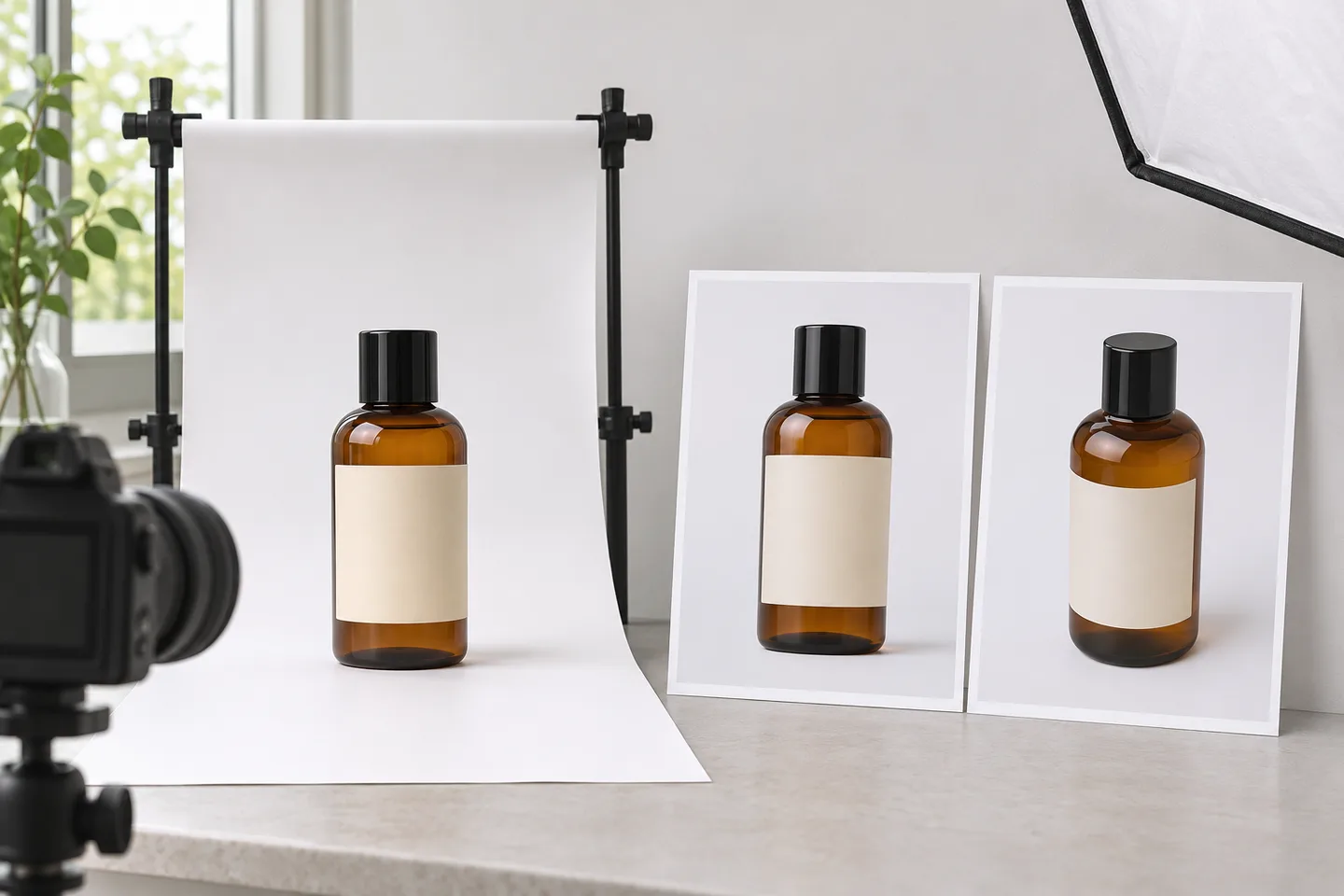 AI-generated illustration of reference preparation; these are conceptual assets, not photographs of a real product or Kling Image outputs.
Write a short preservation list before generating: bottle proportions, cap profile, glass color, label position, and any text that must match. For a real listing, compare these details with the actual product rather than with another generated image.
Design the setting around the intended placement
A catalog thumbnail, a campaign banner, and a social post have different requirements. Choose one first.
| Deliverable | Background direction | What to protect |
|---|---|---|
| Catalog-style image | Simple, uncluttered setting | Full outline and readable product details |
| Website campaign banner | Quiet background with copy space | Clear subject hierarchy and safe margins |
| Lifestyle concept | A relevant surface and restrained props | Product scale, material, and believable lighting |
For the bottle example, choose pale stone and a warm wall. Keep plants behind the product or outside its silhouette so that you can inspect its outline easily. Leave space for advertising text rather than asking the generated scene to carry the final offer.
Write the change and preservation instructions together
The Kling IMAGE 3.0 guide describes natural-language creation and reference-based detail editing. For a background task, make the new scene explicit and name the product features you want retained.
Use the uploaded amber bottle as the product reference. Place it on a pale limestone surface against a warm beige wall. Preserve its proportions, black cap, amber glass, and label position. Keep the whole bottle visible on the right side, with clean empty space on the left for copy. Match the lighting to soft daylight from the left and create a subtle contact shadow beneath the bottle. Keep plants and props away from its edges. Do not add extra products or lettering.
These instructions express the desired result; they do not replace inspection. If exact label artwork is essential, keep the original artwork available for final composition in an image editor.
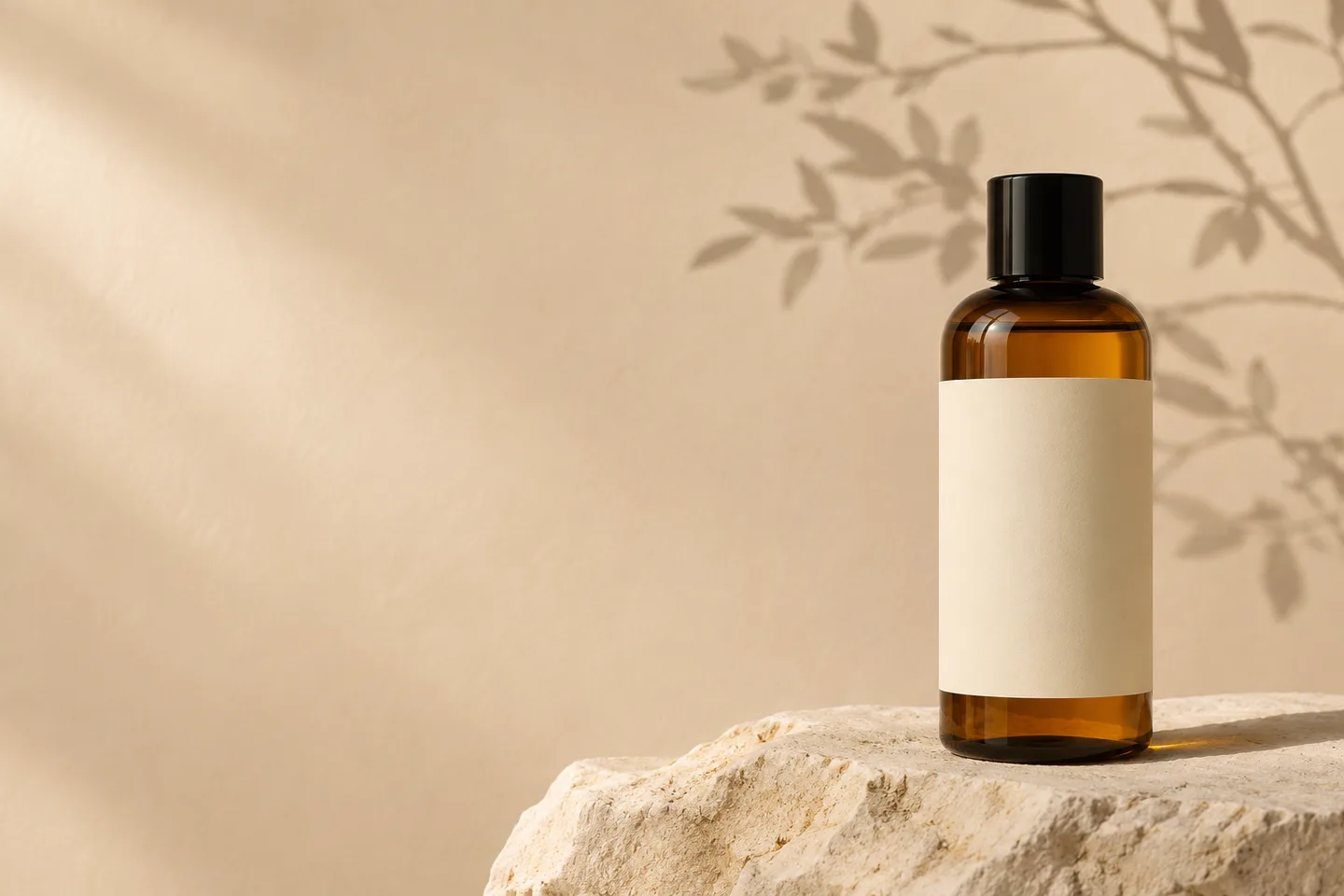 AI-generated campaign concept illustrating the planned composition; not a demonstration of product-preservation accuracy.
Upload the reference, enter the prompt, and choose a supported output format that suits the placement. Check the displayed cost before generating. Review one candidate before making several variations, so you can correct the brief while the scope is small.
Check the product before judging the atmosphere
A convincing background can distract from an altered bottle. Compare the source and result side by side, starting with the product itself.
| Inspection area | What to compare | When to revise |
|---|---|---|
| Silhouette | Height-to-width ratio, shoulders, cap shape | The product looks like a different variant |
| Packaging | Label position, logo, spelling, volume marks | Any required detail has changed |
| Surface | Glass color, transparency, reflections | The material or contents look wrong |
| Grounding | Base contact, shadow direction, perspective | The product appears to float or lean |
| Layout | Crop, clear space, competing props | The final copy cannot fit comfortably |
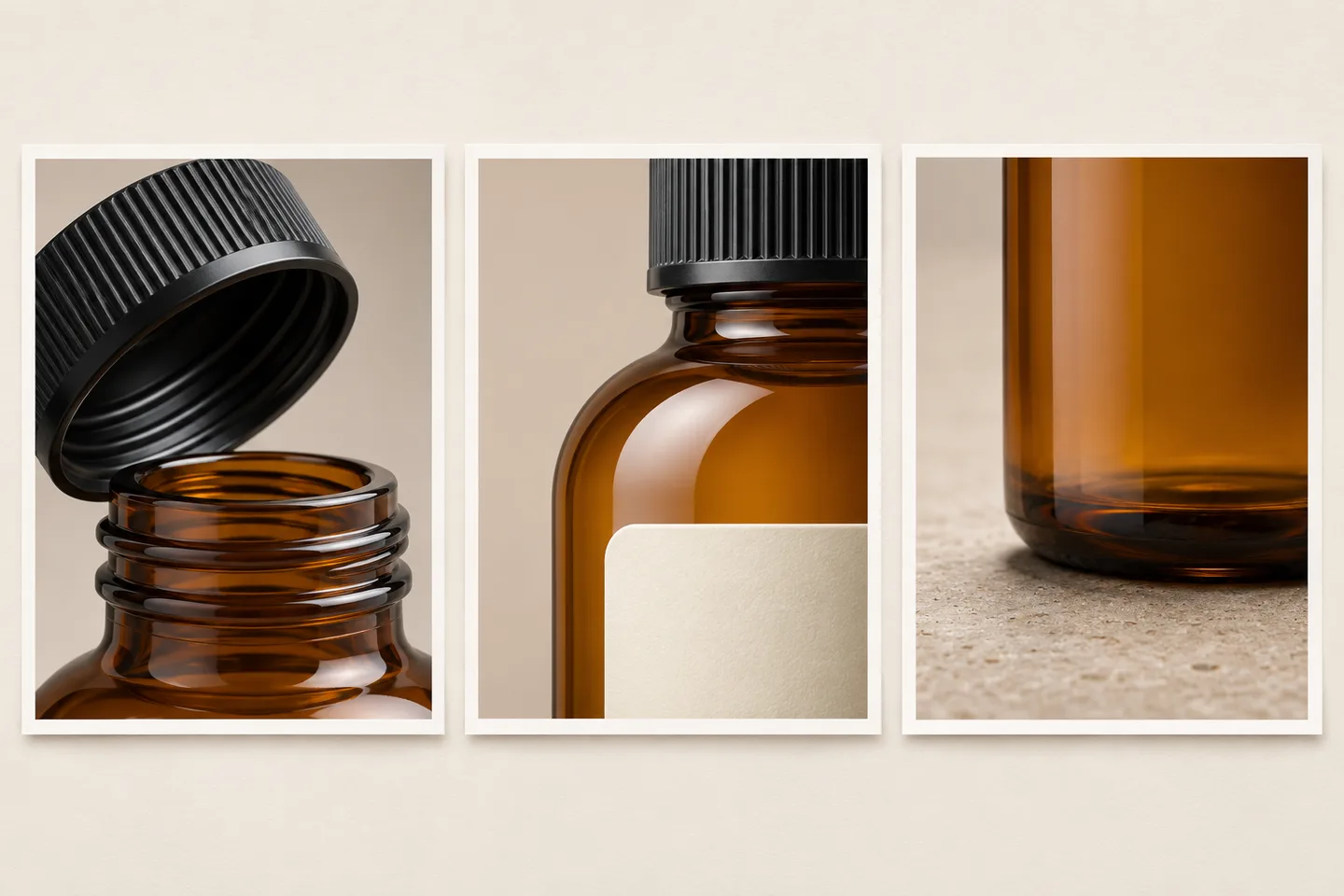 AI-generated detail studies show inspection areas; they do not establish fidelity to a source photograph.
For the example bottle, a pleasant stone texture does not compensate for a changed cap or distorted label. Reject those defects before spending time polishing the background.
Make one correction at a time
If the product looks grounded but the background is crowded, ask: “Remove the props near the bottle. Keep the bottle and approved lighting unchanged.”
If the shadow is the problem, ask: “Keep the composition. Add a soft contact shadow directly beneath the base, consistent with light from the left.”
If the product itself changes repeatedly, return to the original photograph. Consider keeping the photographed product as a separate layer and composing it over a new background in an editor. The site's background-removal tool can help prepare a cutout for that workflow; inspect its edges before compositing. Files must be downloaded and uploaded between separate tools.
Finish the deliverable
Add final approved copy and label artwork in your layout editor when precision matters. Check the image at the actual placement size, then open the exported file to confirm its crop and detail.
Keep the reference, prompt, approved background, and finished artwork together. That makes the next campaign variant easier to review against the same product standard. To begin, upload a product reference in Kling Image and describe one new setting with a short preservation list.
For a reusable way to structure and revise your instructions, see the Kling Image prompt guide.